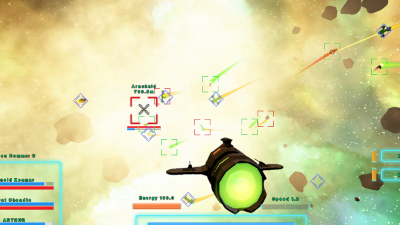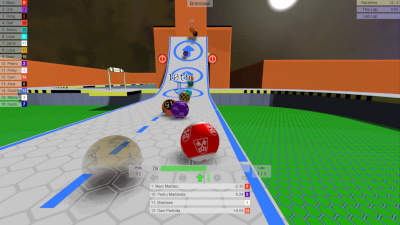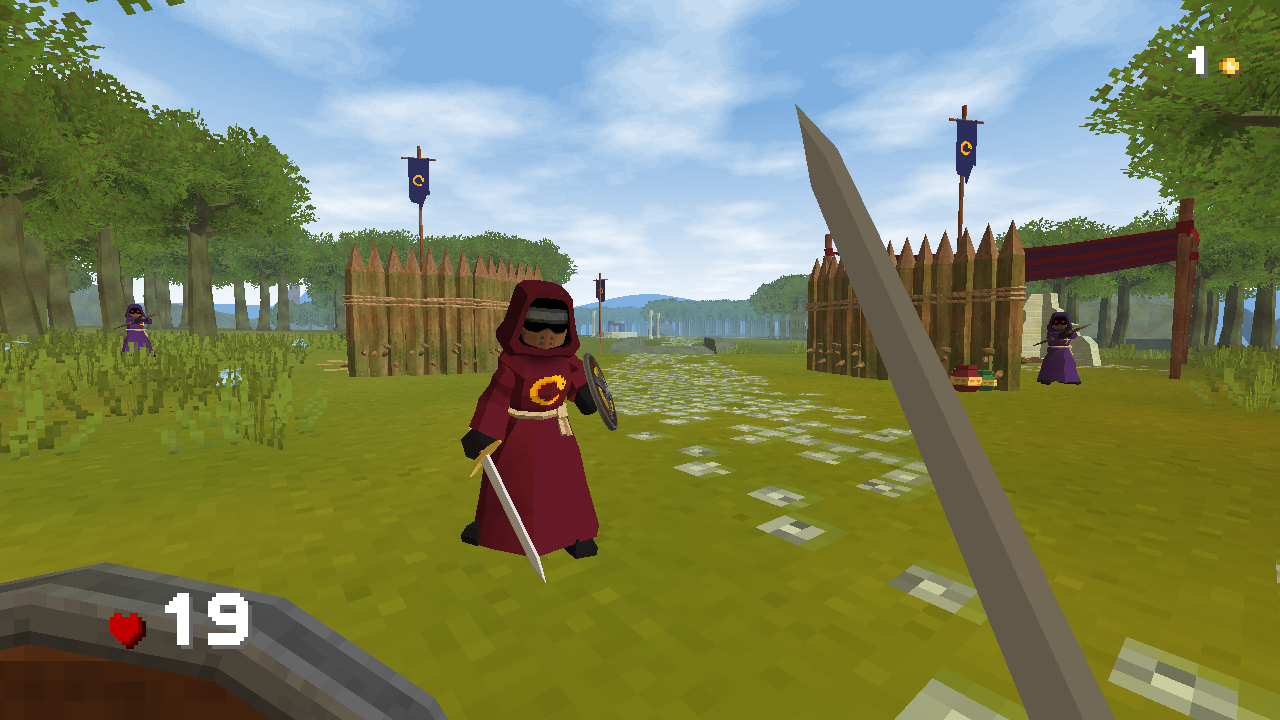
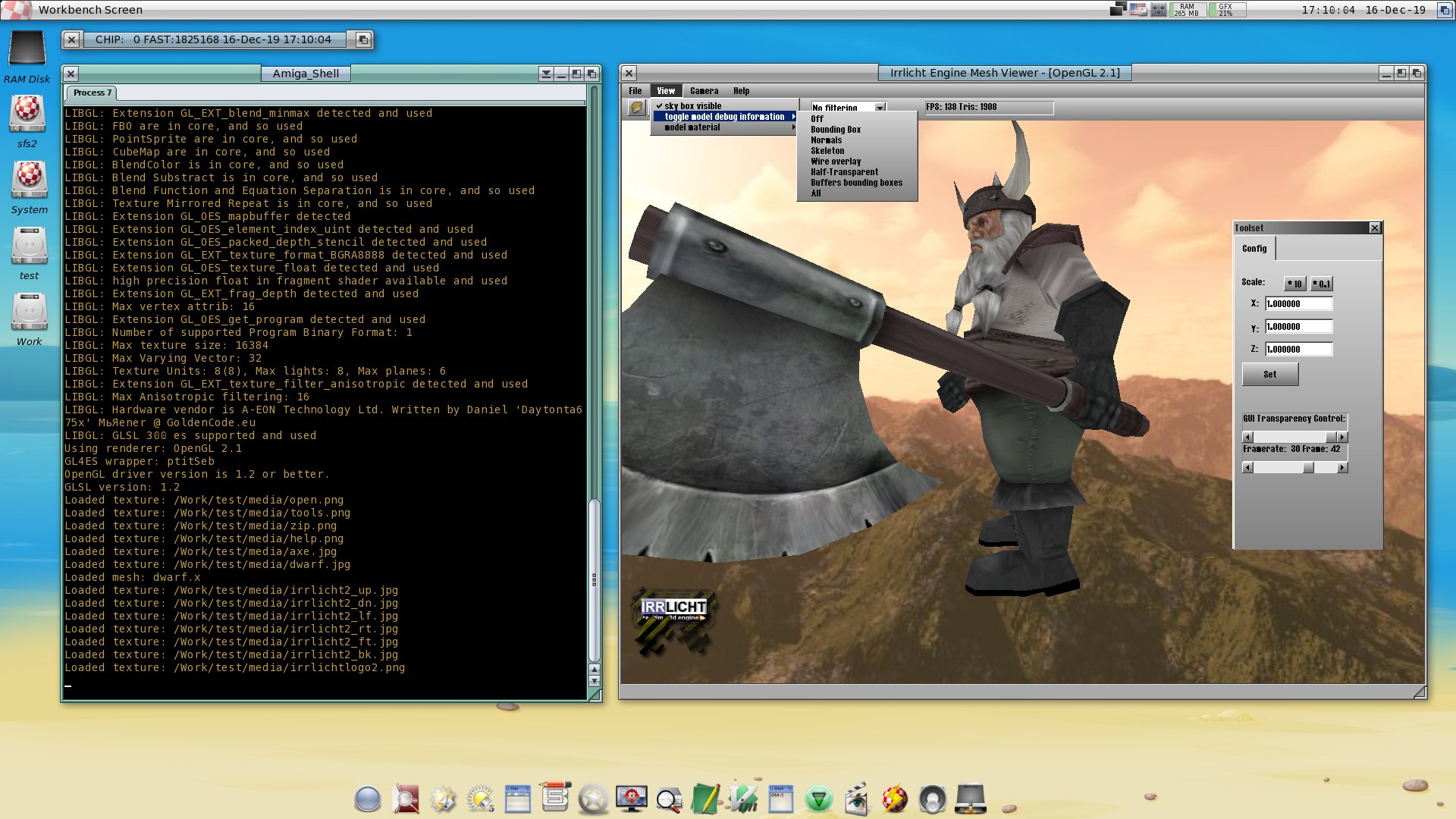
Features
The Irrlicht Engine is a cross-platform high performance
realtime 3D engine written in C++. It is a powerful high level API
for creating complete 3D and 2D applications like games or scientific
visualizations. It comes with anexcellent documentation
and integrates all the state-of-the-art features for visual representation
like dynamic shadows, particle systems, character animation, indoor
and outdoor technology, and collision detection. All this is accessible
through a well designed C++ interface, which is extremely easy to
use. |


|
Its main features are:
- High performance realtime 3D rendering using Direct3D
and OpenGL [more]
- Platform independent. Runs on Windows95,
98, NT, 2000, XP, Linux, OSX, Solaris, and others.[more]
- Huge built-in and extensible material library
with vertex and pixel shader support [more].
- Seamless indoor and outdoor mixing through highly customizeable
scene management. [more]
- Character animation system with skeletal and morph
target animation. [more]
- Particle effects, billboards, light maps, environment mapping,
stencil buffer shadows, and lots of other special effects.
[more]
- .NET language binding which makes the engine available to
all .NET languages like C#, VisualBasic, and Delphi.NET.
- Two platform and driver independent fast software renderers
included. They have different properties (speed vs. quality)
and feature everything needed: perspective correct texture mapping,
bilinear filtering, sub pixel correctness, z-buffer, gouraud
shading, alpha-blending and transparency, fast 2D drawing, and
more.
- Powerful, customizeable, and easy to use 2D GUI System
with Buttons, Lists, Edit boxes, ...
- 2D drawing functions like alpha blending, color key based
blitting, font drawing, and mixing 3D with 2D graphics.
- Clean, easy to understand, and well documented API
with lots of examples and tutorials.
- Written in pure C++ and totally object oriented.
- Direct import of common mesh file formats: Maya (.obj),
3DStudio (.3ds), COLLADA (.dae), Blitz3D (.b3d), Milkshape (.ms3d),
Quake 3 levels (.bsp), Quake2 models (.md2), Microsoft DirectX
(.X)... [more]
- Direct import of Textures: Windows Bitmap (.bmp), Portable
Network Graphics (.png), Adobe Photoshop (.psd), JPEG File Interchange
Format (.jpg), Truevision Targa (.tga), ZSoft Painbrush (.pcx)...
[more]
- Fast and easy collision detection and response.
- Optimized fast 3D math and container template libraries.
- Directly reading from (compressed) archives. (.zip, .pak, .pk3)
- Integrated fast XML parser.
- Unicode support for easy localisation.
- Works with Microsoft VisualStudio 7.0-9.0™,
Metrowerks Codewarrior, Bloodshed Dev-C++, Code::Blocks,
XCode, and gcc 3.x-4.x.
- The engine is open source and totally free.
You can debug it, fix bugs and even change things you do not
like. And you do not have to publish your changes: The engine
is licensed under the zlib licence,
not the GPL or the LGPL.
|
|
Special effects
|

|
There are lots of common special effects
available in the Irrlicht Engine. They are not difficult to use,
in most cases the programmer only has to switch them on. The engine
is constantly extended with new effects, here is list of effects
which are currently implemented:
- Realistic water surfaces
- Dynamic lights
- Dynamic shadows using the stencil buffer
- Billboards
- Bump mapping
- Parallax mapping
- Transparent objects
- Light maps
- Customizeable Particle systems for snow, smoke, fire,
...
- Sphere mapping
- Texture animation
- Skyboxes and skydomes
- Fog
|
| Drivers
|


|
The Irrlicht Engine supports 6 rendering
APIs, which are 5 more than most other 3D engines do:
- Direct3D 8.1
- Direct3D 9.0
- OpenGL 1.2-3.0
- The Irrlicht Engine software renderer.
- The Burningsvideo Software Renderer
- A null device.
When using the Irrlicht engine, the programmer needs not to know,
which API the engine is using, it is totally abstracted. He only
needs to tell the engine which API the engine should prefer.
There are three reasons why the engine not only focuses on one
API:
- Performance. Some graphic adapters are optimized for
OpenGL, some simply run faster with Direct3D.
- Platform independence. Direct3D will not be present
on a Mac or a Linux Workstation, while maybe OpenGL will. And
when OpenGL is not available either, there are still the Irrlicht
Engine software renderers, which will always operate on any platform.
In this way, the user will see something on the screen for sure.
- Driver problems, which are a common problem a user
encounters when using 3D software. There are thousands of hardware
configurations out there, and often games and 3D applications
are crashing, because there is an old driver installed. Letting
the user switch the driver might solve the problem.
|
|
Materials and Shaders
|
|
|
To be able to create realistic environments
quickly, there are lots of common built in materials
available in the engine. Some materials are based on the fixed
function pipeline (light mapped geometry for example) and some
are relying on the programmable pipline (normal mapped/parallax
per pixel lighted materials for example) todays 3d hardware is
offering. It is possible to mix these types of materials
in a scene without problems and when using a material which needs
features the hardware is not able to do, the engine provides fall
back materials. However, if the built in materials are
not enough, it is possible to add new materials to Irrlicht at
runtime, without the need of modifying/recompiling the engine.
Currently supported shader languages for this are:
- Pixel and Vertex Shaders 1.1 to 3.0
- ARB Fragment and Vertex Programs
- HLSL
- GLSL
|
|
Platforms
|

|
The Irrlicht Engine is platform independent.
Which means in this case it will run on more than one platform,
which are currently:
- Windows 98, ME, NT 4, 2000, XP, XP64, Vista, CE
- Linux
- OSX
- Sun Solaris/SPARC
- All platforms using SDL
More platforms are planned, but have not yet been implemented.
The Engine works with all supported platforms in the same
way. The programmer only has to write the game/application code
once, and it will run on all supported platforms without the need
to change one single line of code.
|
|
Scene Management
|


|
Rendering in the Irrlicht Engine is done
using a hierarchical scene graph. Scene nodes are attached to
each other and follow each others movements, cull their children
to the viewing frustum, and are able to do collision detection.
A scene node can for example be a camera, an indoor or outdoor
level, a skeletal animated character, animated water, or something
completely different.
In this way, the Irrlicht engine can mix indoor and outdoor
scenes seamless together, gives the programmer full control
over anything which is going on in the scene. It is very
easily extensible because the programmer is able to add
his own scene nodes, meshes, texture loaders, GUI elements, and
so on. |
|
Character Animation |

|
Currently there are two types of character
animation implemented:
- Morph target animation: Meshes are linearly interpolated
from one frame to the next. This is what is done in the Quake
game series, and how the Irrlicht engine does it when importing
.md2 and .md3 files.
- Skeletal animation: A skin is manipulated by animated
joints. The Irrlicht Engine will do this when loading .ms3d,
.x, and .b3d files. It is easily possible to attach objects to parts
of the animated model. It is, e.g., possible to attach a weapon
to the hand of a model, which will be moved as the hand moves,
with only one line of code.
The programmer doesn't need to know about all this, if he doesn't
want to. All he has to do is to load the files into the engine
and let it animate and draw them. |
|
Supported Formats
|

|
Lots of common file formats are supported,
and are able to be loaded (and partially also written) directly from within the engine. In
this way, data is never needed to be converted for using it with
the Irrlicht Engine, saving development time. The list of all
supported formats is constantly growing. If you need the Irrlicht
Engine to be able to load a file format which it cannot currently
handle, simply raise a feature request and ask for it.
Currently supported textures file formats:
- JPEG File Interchange Format (.jpg, r/w)
- Portable Network Graphics (.png, r/w)
- Truevision Targa (.tga, r/w)
- Windows Bitmap (.bmp, r/w)
- Adobe Photoshop (.psd, r)
- Zsoft Paintbrush (.pcx, r/w)
- Portable Pixmaps (.ppm, r/w)
- Quake 2 textures (.wal, r)
Currently supported mesh file formats:
- Irrlicht scenes (.irr, r/w)
- Irrlicht static meshes (.irrmesh, r/w)
- 3D Studio meshes (.3ds, r)
- B3D files (.b3d, r)
- Alias Wavefront Maya (.obj, r/w)
- Lightwave Objects (.lwo, r)
- COLLADA 1.4 (.xml, .dae, r/w)
- Microsoft DirectX (.x, r) (binary & text)
- Milkshape (.ms3d, r)
- OGRE meshes (.mesh, r)
- My3DTools 3 (.my3D, r)
- Pulsar LMTools (.lmts, r)
- Quake 3 levels (.bsp, r)
- Quake 2 models (.md2, r)
- Quake 3 models (.md3, r)
- DeleD (.dmf, r)
- FSRad oct (.oct, r)
- Cartography shop 4 (.csm, r)
- STL 3D files (.stl, r/w)
|
|