


-
Engine
-
Community
-
Documentation
-
Contact
Welcome to the Irrlicht Engine
The Irrlicht Engine is an open source realtime 3D engine written in C++. It is cross-platform, using D3D, OpenGL and its own software renderers. OpenGL-ES2 and WebGL renderers are also in development. It is a stable library which has been worked on for nearly 2 decades. We've got a huge community and Irrlicht is used by hobbyists and professional companies alike. You can find enhancements for it all over the web, like alternative terrain renderers, portal renderers, exporters, world layers, tutorials, editors, language bindings and so on.
And best of all: It's completely free.
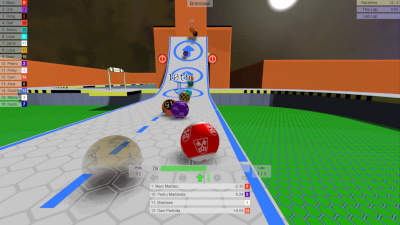
17-Feb-24DustbinGames MarbleGP – Next Generation Roll-Playing
 |
Dive into the world of 3D marble racing.
|
01-Nov-21Irrlicht 1.8.5 release
|
Another bugfix release for the Irrlicht 1.8 series. This one is mostly to fix compile problems on newer Linux systems which removed the sysctl.h header. But also a few minor bugfixes. Enjoy! |
20-Oct-21The End of Dyeus released
|
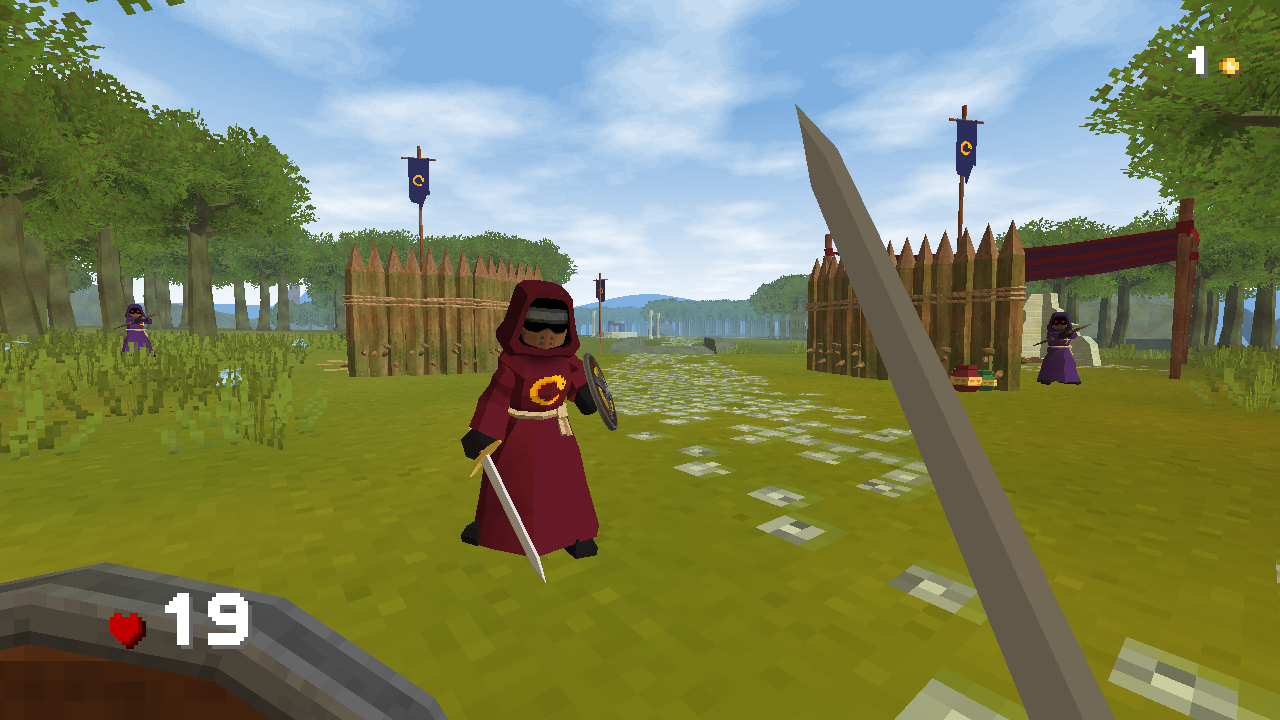
The long awaited The End of Dyeus got released on October 15th, 2021! It’s a first-person action and exploration game set in a fully open world. It’s available on Steam and in a DRM-free version on their website. Trailer
|
12-Jul-21Irrlicht homepage URL change – from .net to .io
|
While updating our forum and switching to https for the Irrlicht homepage we had to move to different sourceforge servers. |
19-Jun-21IRC channel #irrlicht moves to irc.libera.chat
|
Please change the server in your IRC clients from freenode to to irc.libera.chat to join the official #irrlicht IRC channel from now on. For any discussions about this move you can use |
30-Dec-19AmigaOS4 port of Irrlicht 1.8.4
|
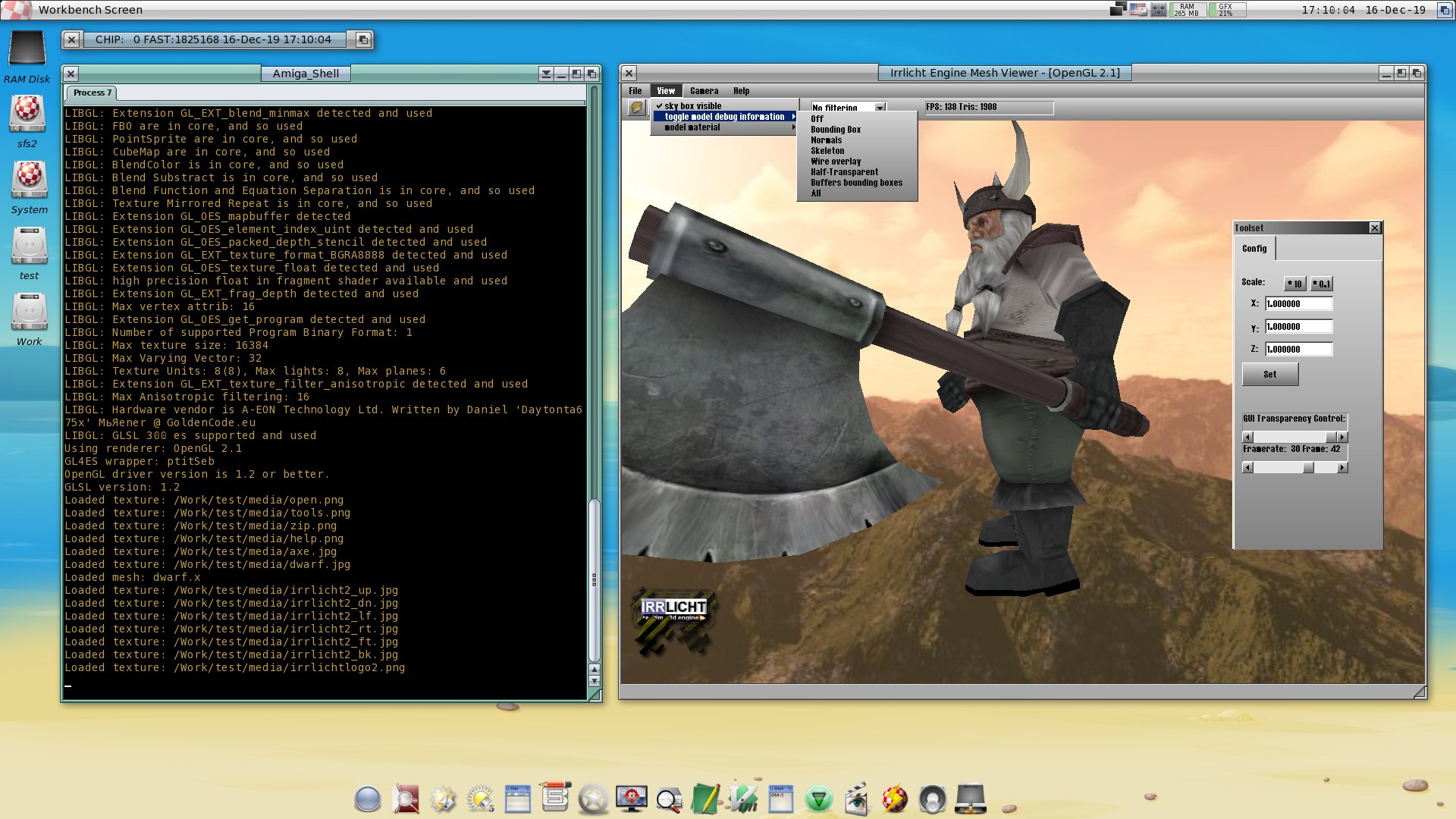
Thanks to the relentless work of kas1e you can now run Irrlicht on the AmigaOS4. But that’s not all! kas1e even ported 3 games using Irrlicht so Amiga fans can now enjoy SuperTuxKart 0.8.1, H-Craft Championship and Night of The Zombies. Take a look at the Irrlicht on Amiga video or check the sources on https://github.com/kas1e/Irrlicht. More information can be found in the forum.
|
13-Feb-19flasim – a game coding example
|
A small game from polylux using Irrlicht and cAudio. Accompanied by a long blog post explaining all the code needed for this. So a very nice example if you just want to find out how to code a game. There’s also a forum post about it.
|
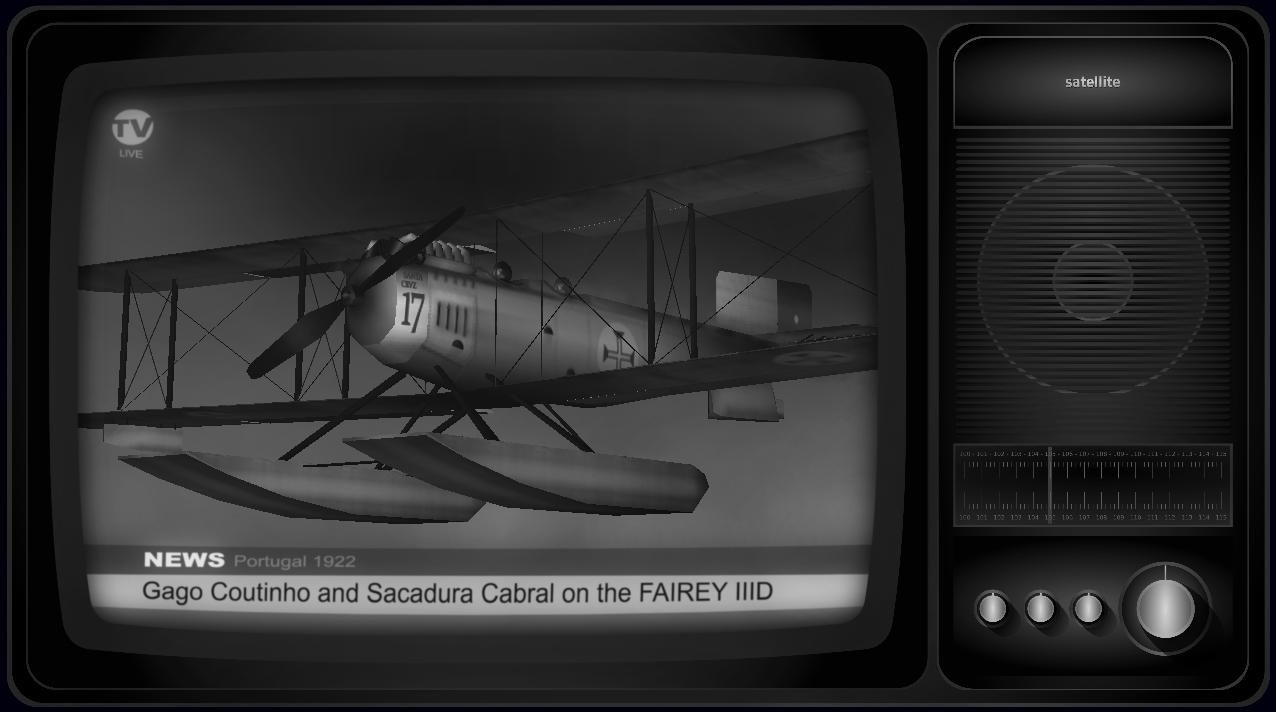
10-Nov-18Fairey IIID – Gago Coutinho and Sacadura Cabral
|
An interactive and animated 3D model from Jorge Rosa. It uses several Irrlicht features like shader for water and animated particles. And comes with full code. So check it out!
Download here and take a look at the forum for more information. |
07-Jan-18IMP – Irrlicht Music Player
|
IMP – Irrlicht Music Player is a music player. Unique in the world, of its own kind. Probably the most expensive CPU music player too, but its all for our fun! Uses the latest Irrlicht 1.8.4. Mostly done with code and help came from irrlicht forums and community. Intends to give a nice ambient to the music that we play in our PC.
“IMP – Irrlicht Music Player” is in constant improvement, so please keep checking for updates!… |
06-Oct-17Forum working again
|
Thanks to our sysop the forum can be used again. It looks like the connectivity troubles had caused too many stale open sessions in the forum database. |